Rockify ERP implementation and support
We take the engagement from end to end, and we’re still answering the phone in month six.
From the first meeting to your first month-end
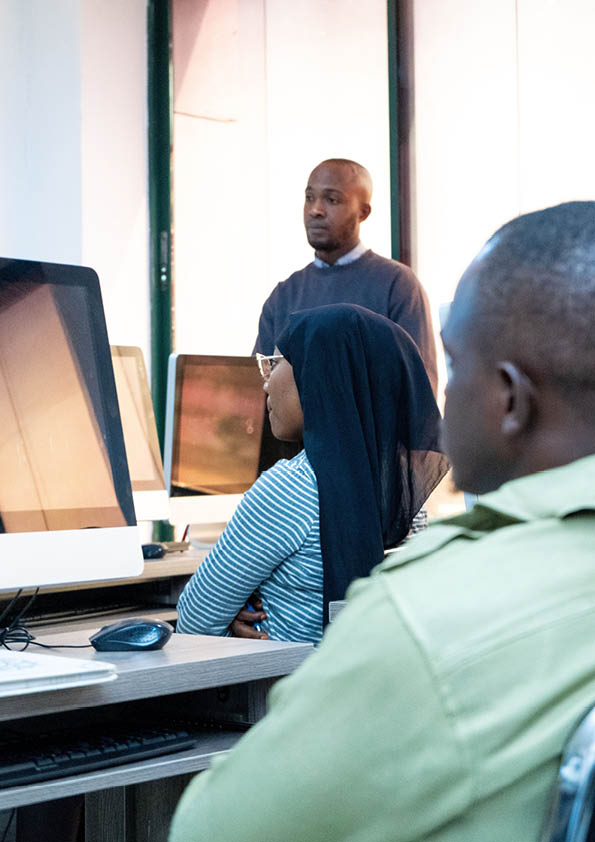
Rockify ERP brings accounting, inventory, purchasing, sales, manufacturing, HR and payroll into one connected system. We map how your business runs today, configure the platform around it, migrate and reconcile your data, train each team on the part they use, and stand beside you through go-live.
What the engagement covers
Discovery and scoping
How your business really runs, mapped before anything is configured.
Implementation
Configuration, testing and go-live on a fixed scope, price and date.
Data migration
From QuickBooks, Sage, Tally, Excel or a legacy system, reconciled line by line.
Customisation
Workflows, approval routing, reports and print formats.
Integrations
Mobile money, bank feeds, your tax authority’s e-invoicing, payroll and the tools you already use.
Training and support
Role-based training, then agreed response times, monthly health checks and managed upgrades.
How a Rockify ERP project runs
Five stages, one accountable team, and no handover to strangers along the way.

01
Discovery
We start with how your business actually runs, not with a demo. Requirements and process mapping come before anything is configured.

02
Configuration
We configure and test Rockify ERP against a fixed scope, price and date agreed with you up front.
03
Data migration
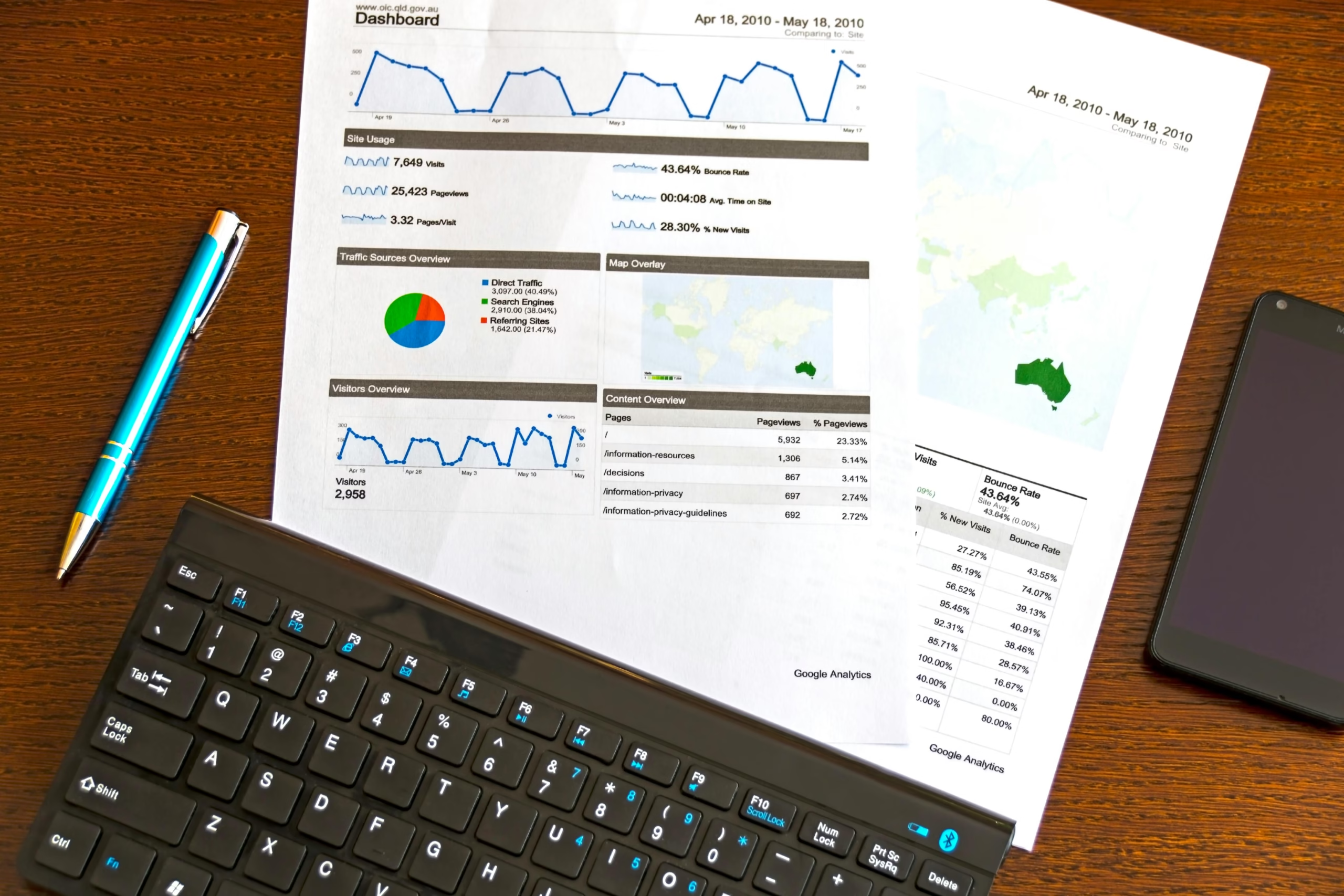
Your data comes across from QuickBooks, Sage, Tally, Excel or a legacy system, and is reconciled line by line against your existing records.

04
Training
We train by role, so each team learns the part they use, and we document your specific setup.

05
Go-live and first month-end
We stand beside you through go-live and your first month-end, then check in afterwards.

Compliance and integrations configured in from day one
eTIMS invoicing, KRA-ready tax handling, SHIF and NSSF payroll, M-Pesa reconciliation, KES and USD in the same set of books. Configured in from day one, not bolted on afterwards.
- eTIMS invoicing and KRA-ready tax handling
- SHIF and NSSF payroll
- M-Pesa reconciliation and bank feeds
- KES and USD in the same set of books
- Workflows, approval routing, reports and print formats
For SMEs, corporates and large enterprises

Growing SMEs
Annual revenue from about US$38,000. Live on a fixed scope, price and date, starting with the essentials and building as you grow.

Corporates and large enterprises
Several companies, sites or currencies, with approval routing, role-based access and consolidated books from one system.

We stay after go-live
Most ERP projects don’t fail at install. They fail in month four, when staff quietly go back to Excel because nobody trained them properly. We take responsibility for adoption, not just installation.
- Defined response times
- Monthly health checks
- Upgrades tested before they’re applied
- Quarterly reviews to find the next thing worth taking off your team’s plate
- A named consultant who knows your configuration
Questions about implementation
Can you migrate our existing data?
Yes. We migrate from QuickBooks, Sage, Tally, Excel or a legacy system, and reconcile the data line by line against your existing records.
Is the price fixed?
Yes. Implementation is delivered against a fixed scope, price and date that we agree with you before work starts.
What does Rockify ERP integrate with?
M-Pesa, bank feeds, eTIMS, payroll and the tools you already use.
How do you make sure our staff actually use it?
We train by role, document your specific setup, and check in after go-live. Most ERP projects fail in month four, when staff quietly go back to Excel, so adoption is something we take responsibility for.
What support do we get after go-live?
Defined response times, monthly health checks, upgrades tested before they’re applied, and quarterly reviews.
Do you work with businesses outside Kenya?
Yes. We work with clients around the world from our offices in Nairobi and London, with a named consultant who knows your configuration.
What happens in the consultation?
It is a 45-minute session. We look at how your business runs today, tell you where a system would pay for itself, and where it wouldn’t. There is no obligation.
Learn RockifyERP step by step
The RockifyERP Knowledge Base has over 600 free guides with screenshots, covering every module from first login to month end, including payroll, stock and M-Pesa. Its search understands everyday words, so you find help even if you don’t know the exact term.
Powering transformation
Find out what an ERP would actually change
A 45-minute consultation. We’ll tell you honestly where a system would pay for itself, and where it wouldn’t.